
Heaps Of Wins Casino on Mobile 2026: Play on iOS & Android
Play Heaps Of Wins Casino straight from your phone browser - no download needed.
Heaps of Wins Casino Games






Game Library






Heaps Of Wins Casino runs straight in the browser on iPhone and Android devices, letting players access slots, table games and jackpots from their smartphones with nothing to install. This page covers how to start playing on mobile, device compatibility, features, and how to optimize your mobile gaming experience for players from New Zealand in 2026.
Feature | Details |
|---|---|
Platforms | iOS (iPhone, iPad), Android |
How to Start | No download - instant play in the mobile browser |
Account Required | Yes - register before first login |
Internet Connection | WiFi or mobile data (4G/5G recommended) |
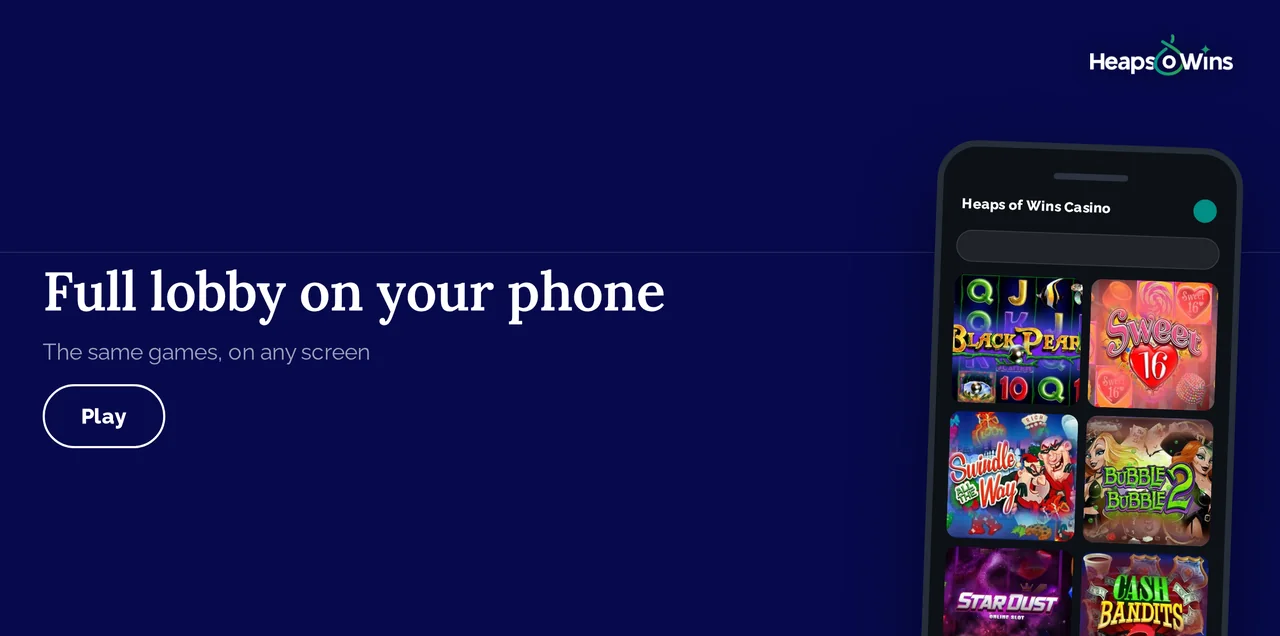
The mobile version mirrors desktop functionality while adding mobile-specific touches like larger buttons, swipe navigation and optional web push alerts about new bonuses. Players in New Zealand simply log in through the browser and reach their accounts from anywhere with an internet connection.
iPhone and iPad: How to Start Playing
iPhone users reach Heaps Of Wins Casino through Safari or any other mobile browser - there is no app to look for in the App Store. Open the site, log in, and the lobby loads in seconds.
What you need:
An up-to-date version of iOS
Safari, Chrome or another current mobile browser
A stable WiFi or mobile data connection
No free storage space needed - nothing is downloaded
To keep the casino one tap away, open the Share menu in Safari and choose "Add to Home Screen". iOS creates an icon that opens the site full screen, so it behaves much like a native app. New players register in the same browser window, entering their e-mail address, a username and a password.
Android Phones and Tablets
Android players take the same route: open the casino in Chrome or another mobile browser and log in. There is no APK file to download and no Google Play listing, which also means nothing to update by hand.
Getting set up:
Open the casino's official website from your Android browser
Log in, or tap the registration button to create an account
Open the browser menu and choose "Add to Home Screen"
Launch the casino from the new icon whenever you want to play
Device requirements:
A current version of Android
An up-to-date browser such as Chrome
A steady WiFi, 4G or 5G connection
Mobile Browser Instant Play
Instant play in the browser is how Heaps Of Wins works on every device. Visit the casino website from Safari (iOS), Chrome (Android), or other mobile browsers to load the full lobby.
The browser version offers several advantages:
No storage space required on your device
Always running the latest version (no manual updates)
Works on any phone or tablet, whatever the model
Accessible from any mobile browser, including tablets
Web push alerts about new promotions can be switched on right in the browser, so you stay in the loop without any extra software. Performance may vary depending on browser optimization - Chrome and Safari provide the smoothest experience.
Browser tips: Add the casino website to your home screen for quick access without typing URLs. On iOS, tap the Share icon in Safari and select "Add to Home Screen". On Android, tap the menu icon in Chrome and choose "Add to Home Screen". This creates an app-like icon that launches the browser version directly.
Clear browser cache and cookies regularly to prevent login issues and ensure you're loading the newest game versions. Excessive cached data sometimes causes display problems or prevents bonus features from triggering correctly.
Account Management & Security
The mobile site includes full account management functionality. Access your profile settings to update personal information, change passwords, set deposit limits, or request self-exclusion periods. The cashier section handles deposits and withdrawals using the same payment methods available on desktop.
Security features:
128-bit SSL encryption protects data transmission between your browser and the casino servers
Auto-logout timers close sessions after periods of inactivity
Session management shows active logins across devices, allowing you to terminate suspicious connections
Password plus e-mail confirmation keeps logins protected when something looks unusual
Troubleshooting Common Mobile Issues
Problem | Likely Cause | Quick Fix |
|---|---|---|
Site won't load in the browser | Weak connection, outdated OS or browser | Switch between WiFi and mobile data, update the browser and OS, restart the device |
Games freeze or load slowly | Old browser version, low memory, cache conflicts | Update the browser, close other tabs, clear the cache, reload the page |
Login errors / incorrect password | Wrong credentials, cached data, keyboard issues | Use Forgot Password, clear cache/cookies, check Caps Lock and keyboard language |
Games won't load / error messages | Unstable connection, outdated OS, game bug | Switch WiFi/mobile data, update OS, retry later, report error with screenshot |
Deposit or withdrawal issues | KYC incomplete, limits exceeded, unsupported method | Complete verification, check limits, confirm payment method is supported in New Zealand |
If the issue persists, contact customer support and provide: device model, OS version, browser version, and the exact error message for faster resolution.
Responsible Gaming on Mobile
Mobile gambling's constant availability requires extra attention to responsible gaming practices. The ability to play anywhere, anytime increases risk of excessive gambling if not managed properly.
There are self exclusion options also available. Heaps Of Wins sets up self-exclusion on request through support or your account settings. Activate a cooling-off period if gambling stops feeling entertaining. During exclusion periods, the casino prevents login attempts and blocks promotional communications. New Zealand residents can also register with national gambling exclusion programs that block access across multiple gambling operators.
Warning signs to monitor:
Playing longer than intended repeatedly
Depositing more frequently to chase losses
Gambling during work, family time, or other obligations
Borrowing money to fund gambling
Feeling anxious or irritable when not gambling
Frequently Asked Questions
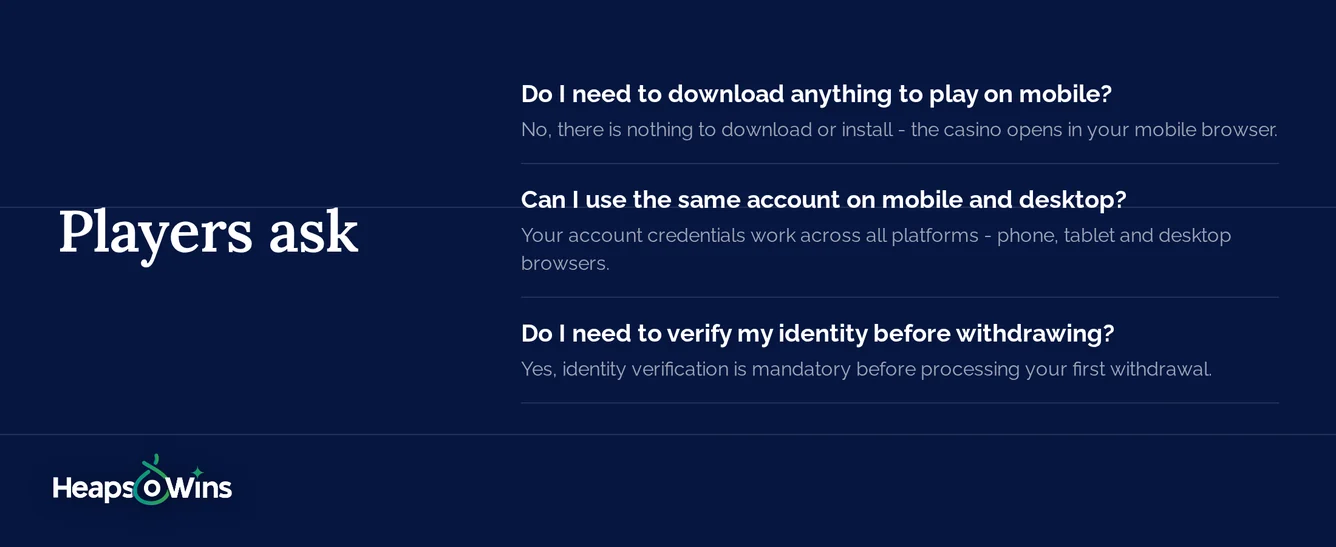
No, there is nothing to download or install - the casino opens in your mobile browser. You only spend money when making deposits to play real-money games. The mobile lobby also includes free-play demo modes for most slots and table games, allowing practice without financial risk.
Your account credentials work across all platforms - phone, tablet and desktop browsers. Account balances, bonus progress, and game history sync automatically across devices. Start a gaming session on your phone and continue later on your computer without interruption.
Yes, identity verification is mandatory before processing your first withdrawal. Upload a government-issued photo ID (passport, driver's license), proof of address dated within 3 months (utility bill, bank statement), and sometimes proof of your payment method (photo of credit card with middle numbers hidden). This process takes 24-72 hours.
The game state saves automatically on the casino's servers. If you disconnect mid-spin or mid-hand, reconnect within 24 hours and the game resumes exactly where it stopped. Completed game rounds settle even if you don't see the outcome - check your account history to view results and confirm winnings credited correctly.
Both iOS and Android tablets open the casino without any trouble. The tablet layout utilizes larger screens to display more information simultaneously - game lobbies show more titles per screen, and game panels have room for full details. The site automatically detects screen size and adjusts the layout accordingly.